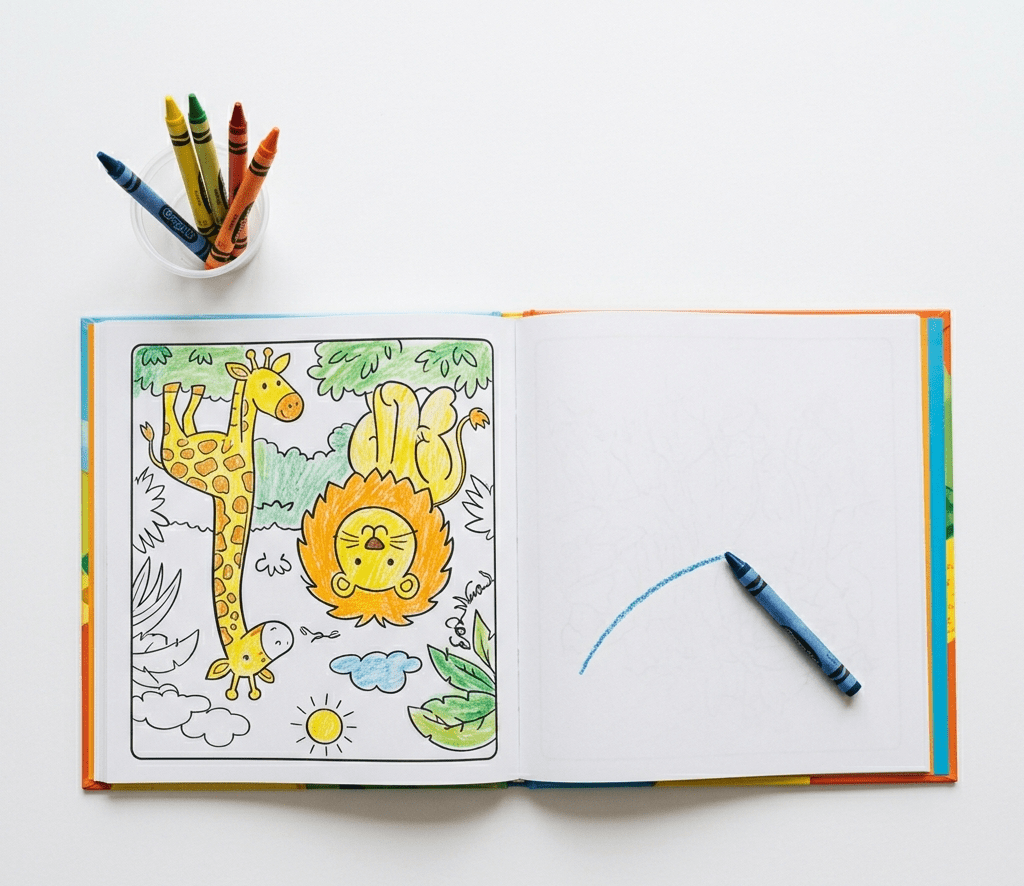
Creating a coloring book is one of the simplest ways to enter the digital publishing space, but not every coloring book makes money. The difference between a book that sits unnoticed and one that sells consistently comes down to strategy, design, and understanding what people actually want. With tools like Canva and platforms like Amazon, it is now possible to create and publish a coloring book without needing advanced design skills.
This is not just about making something that looks nice. It is about creating something that people are actively searching for and are willing to buy. When you combine creativity with a clear strategy, your coloring book becomes more than a project. It becomes a product.
Step 1. Choose a Niche That People Are Already Buying
The first step is choosing a niche that has demand. Instead of creating a general coloring book, focus on a specific audience. This could be children, adults, or even a themed group like self care, animals, or affirmations. Go on Amazon and search for coloring books to see what is already selling. Look at titles, designs, and reviews to understand what people like. This research helps you avoid guessing. A strong niche increases your chances of standing out. The more specific your idea, the easier it is to attract buyers.
Step 2. Plan Your Content Before Designing
Before opening Canva, decide what your coloring book will include. Think about how many pages you want and what each page will feature. A good coloring book usually has a consistent theme throughout. Planning your pages helps you stay organized and focused. It also ensures that your book feels complete rather than random. You can sketch out ideas or list them in a document. This step saves time later and makes the design process smoother.
Step 3. Create Your Illustrations
The core of your coloring book is the illustrations. You can create these using Canva elements or by combining simple shapes and lines. The key is to keep designs clear and easy to color. Avoid overly complex details, especially for beginner audiences. Clean and bold outlines work best. Consistency in style is very important. Each page should feel like part of the same collection. If your designs are simple and appealing, they become more enjoyable for users.
Step 4. Design Your Pages in Canva
Once your illustrations are ready, start placing them into your pages. Use Canva to create a consistent layout for your book. Make sure there is enough white space around each design. This makes coloring easier and more enjoyable. Keep your margins in mind so nothing gets cut off during printing. You can duplicate pages to maintain a uniform look. This step brings your book together visually. A clean and organized layout makes a big difference.
Step 5. Add a Professional Cover
Your cover is what attracts buyers first. It needs to stand out and clearly show what your book is about. Use bold text and engaging visuals that reflect your theme. The title should be easy to read even in a small thumbnail. Canva offers templates that can help you get started. A strong cover increases the chances of people clicking on your book. It is one of the most important parts of your product. Take time to get it right.
Step 6. Format Your Book for Publishing
Before uploading your book, you need to format it correctly. Make sure your page size matches Amazon requirements. Check that all pages are aligned and properly spaced. Canva allows you to download your design as a PDF, which is suitable for publishing. Review your file carefully before moving forward. Small mistakes can affect the final product. This step ensures your book looks professional when printed.
Step 7. Publish Using Amazon KDP
To sell your coloring book, you will use Amazon Kindle Direct Publishing. This platform allows you to upload your book and make it available for sale. You will need to add a title, description, and keywords. These help people find your book. Choose a price that is competitive within your niche. Publishing is simple, but it requires attention to detail. Once your book is live, it becomes available to a global audience.
Step 8. Optimize Your Listing for Visibility
Creating the book is only part of the process. You also need people to find it. Use keywords in your title and description that match what buyers are searching for. Look at similar books to see what works. Your description should clearly explain what the book offers. It should also highlight what makes it unique. This step improves your chances of getting noticed. Visibility is key to making sales.
Step 9. Promote Your Coloring Book
Promotion helps your book reach more people. You can use platforms like Pinterest and Instagram to share your designs. Create simple posts or pins that showcase your pages. This brings traffic to your listing. You do not need to overcomplicate this step. Consistent sharing can make a big difference over time. Promotion supports your visibility and sales.
Step 10. Keep Creating and Improving
One coloring book is just the beginning. The more books you create, the more opportunities you have to earn. Pay attention to what sells and what does not. Use that information to improve your next book. Each new project becomes better than the last. Consistency is what builds results. Over time, your collection grows into a strong portfolio.
Creating a coloring book that actually sells on Amazon is not about luck. It is about combining creativity with strategy and staying consistent. You do not need to be perfect to start. You just need a clear idea and the willingness to take action. With time and effort, what starts as a simple project can turn into a steady source of income.


